
Nest Thermostat Wiring Guide: How Professionals Install & Connect Smart Thermostats in Dubai Homes
Introduction
We get a fair number of calls from people halfway through swapping out their old thermostat, staring at four or five colored wires with no real idea which one goes where. Screws come out fine, and the old unit pops off the wall without a fight, and then it hits nest thermostat wiring doesn’t look nearly as simple as it did in that ten-minute video.
Not writing this to talk anyone out of trying it themselves. More just walking through what’s actually involved, what tends to catch people off guard here in Dubai, and where it makes sense to stop and call someone instead of pushing ahead and hoping for the best.
What Nest Thermostat Connections Actually Look Like
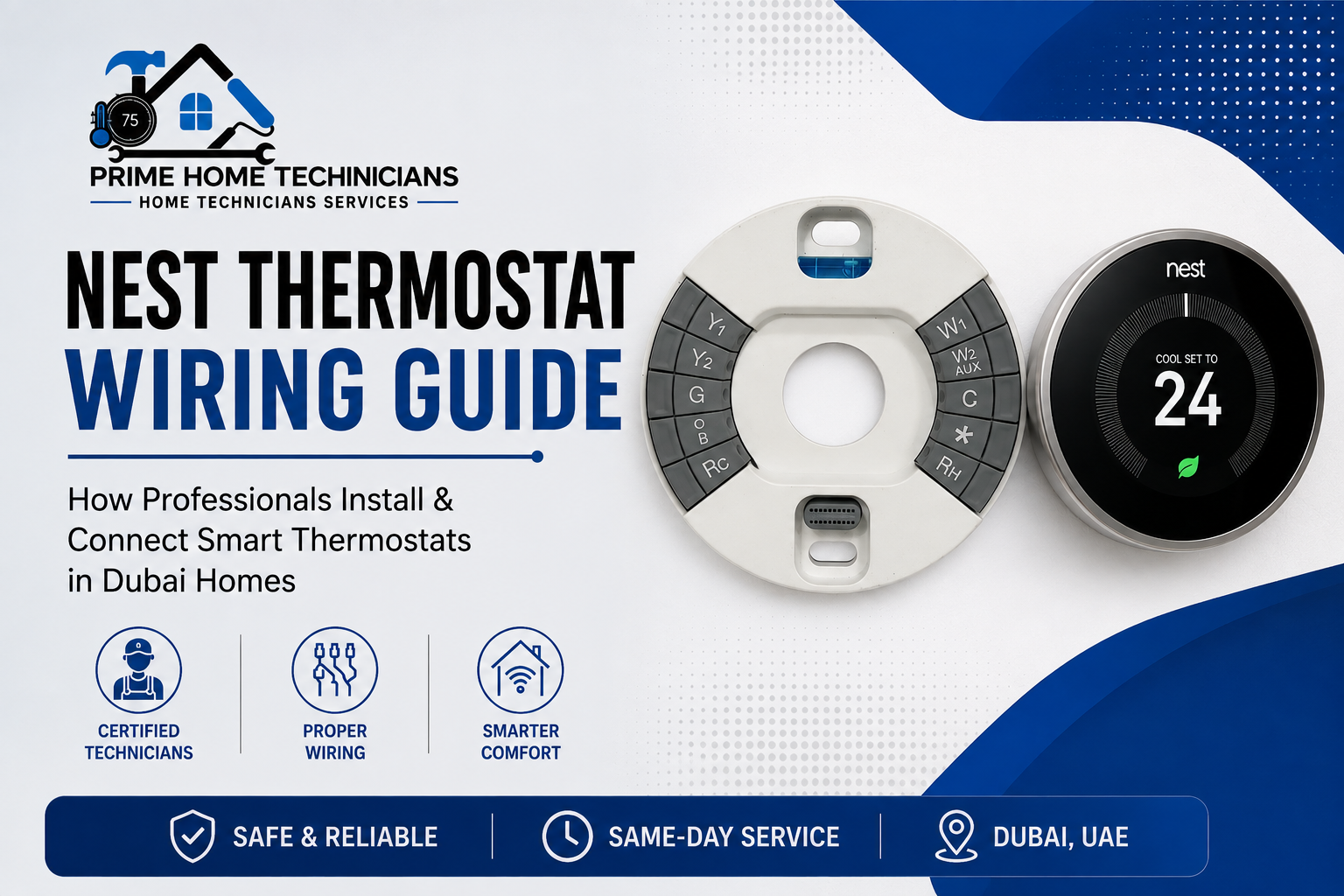
Low-voltage HVAC wiring follows a rough pattern most of the time. A wire for power, one for cooling, one for the fan, and sometimes a separate one for heat, each sitting in its own labeled slot. Wiring for a nest thermostat, on paper, is really just matching wire to terminal R for power, Y for cooling, G for fan, and so on.
Except that plenty of homes don’t match the textbook version. We’ve walked into villas and apartments where the AC’s been swapped or upgraded at some point over the years, and there’s no spare C-wire left, which is the one that keeps a Nest running on steady power. Miss that wire, and the thermostat starts dropping WiFi or rebooting for no obvious reason. That’s usually around when someone types smart thermostat installation near me into Google instead of finishing the job on their own. We handle professional smart thermostat installation in Dubai directly, missing a C-wire, and it’s one of the more common fixes we sort out on site.
The Mistakes We Keep Running Into
A handful of things go wrong on almost every DIY nest hookup callout we get:
- Old wires pulled off without labeling first, then guessed at later
- Y and G swapped, which throws the fan or compressor off
- Assuming a neighbor’s wiring will match yours, when it rarely does across buildings
- Breaker left on while wiring gets handled
- Not clocking that the system actually calls for a 3-wire nest installation, not the more common four-wire setup
None of these are dramatic on their own. Usually, it just means a second attempt, or a call to us asking what went wrong the first time.
Signs It’s a Wiring Problem, Not a Settings One
Blank screen, thermostat that won’t hold its connection, AC running well past the temperature it’s set to: these usually trace back to how things were wired, not what’s toggled in the app. Heat pumps, dual-fuel systems, multi-zone homes, wiring nest learning thermostats get more involved with any of these, often needing extra wiring or an adapter a standard install wouldn’t touch. If the wires are already loose and the breaker’s still live, that’s a reasonable point to stop.
Why This Matters More in Dubai Than Elsewhere
Villas, apartments, older rentals. Dubai’s housing mix means wiring isn’t consistent house to house the way it might be somewhere more uniform. Apartments often run centralized cooling, which can rule out a straightforward Nest install altogether. Villas give more room to work with but tend to carry older wiring that was never built with a smart thermostat in mind. And with the heat here, an AC unit barely rests for months on end, so a wiring mistake doesn’t stay minor for long.
Doing It Right the First Time
Nest thermostat dubai installation, done properly, starts before a single wire gets touched, checking the voltage, confirming whether there’s a C-wire, matching the thermostat to the AC unit it’s meant to control. That’s the check our technicians run on every job; then the wiring, mounting, and app setup follow, so the thermostat’s working before we leave.
If the wall plate’s already open and it looks messier than expected, that’s a normal place to pause, not a sign anything’s broken. Nest thermostat wiring rewards patience and the right checks far more than trial and error ever does. For anyone who’d rather skip the guesswork entirely, our team offers professional smart thermostat installation in Dubai and handles the wiring, setup, and app pairing in one visit.
Frequently Asked Questions
Do all Nest thermostats need a C-wire?
Not strictly. Some models run off battery power without one, though they tend to perform less reliably over time.
Can I wire a Nest thermostat myself if my home has basic wiring?
Simple single-zone setups are workable for some homeowners. Centralized or multi-zone systems, which show up a lot in Dubai apartments, are better left to a technician.
Why does my Nest keep restarting after installation?
Usually comes down to power; a missing or wrongly wired C-wire is the most common cause.
Is Nest thermostat wiring different in villas versus apartments?
Yes. Villas generally have individual AC units with more flexibility, while apartments often run centralized systems that limit what’s possible.
How long does a professional Nest installation usually take?
A straightforward single-zone job usually wraps up in under an hour once the system’s been checked.
What if my AC system doesn’t support a smart thermostat?
Sometimes a compatibility adapter solves it. A technician can confirm this during the initial check.
Do I need to turn off the power before wiring a thermostat?
Yes, the breaker controlling the HVAC system should always be off before wiring starts.

This Post Has 20 Comments
I never thought a crash game could feel this smooth and reliable. The multiplier mechanics are perfectly balanced and the cash out feature works flawlessly every single time. I appreciate the clean dashboard and how fast the rounds start. This has quickly become my daily entertainment spot. coaviatorbetplay
best darknet markets https://thedarknetmarketsonline.com/
darknet drug links https://thedarknetmarketsonline.com/
dark web market list https://thedarknetmarketlinks.com
dark web market links https://thedarknetmarketlinks.com
darknet drug market https://thedarknetmarketslinks.com
darknet sites https://thedarknetmarketslinks.com
darknet drug links https://thedarknetmarketslinks.com
dark web markets https://thedarknetmarketslinks.com
dark market url https://thedarknetmarketslinks.com
darknet markets 2027 https://thedarknetmarketslinks.com
dark web market https://thedarknetmarketlinks.com
darknet markets onion address https://thedarknetmarketslinks.com
darknet markets links https://thedarknetmarketlinks.com
darkmarket https://thedarknetmarketlinks.com
dark web markets https://thedarknetmarketlinks.com
darkmarket list https://thedarknetmarketlinks.com
darknet marketplace https://thedarknetmarketslinks.com
onion dark website https://thedarknetmarketslinks.com
darknet market https://thedarknetmarketlinks.com